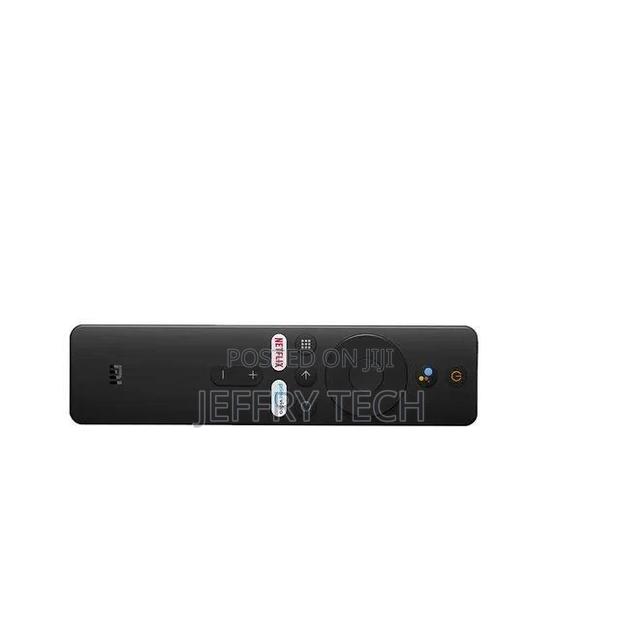
Xiaomi Tv Stick /Tv Box Remote
2 photos
Product Description
[Pairing Instructions] 1 First, turn on the Xiaomi TV or Box manually. Place the remote control near the Xiaomi TV or box and at the same time press and hold the red wireframe button underneath for 15-30 seconds.
[Pairing Guide] 2 After the TV displays the pairing interface, release the button and wait for the TV to display
[Pairing Instructions] 3 the successful pairing. It can be used normally. If pairing is unsuccessful, please repeat the above steps.
Remote control for Xiaomi Mi TV Stick/MI BOX 4S 4K
Operation with 2 AAA batteries (not included)
Specifications
- Condition
- Not Specified
- Availability
- In Stock
Customer Reviews
Please log in to submit a review.
Log inLoading reviews...