UES 16MM APS-C Sensor Cleaning Swabs and Cleaning Fluid
3 photos
Product Description
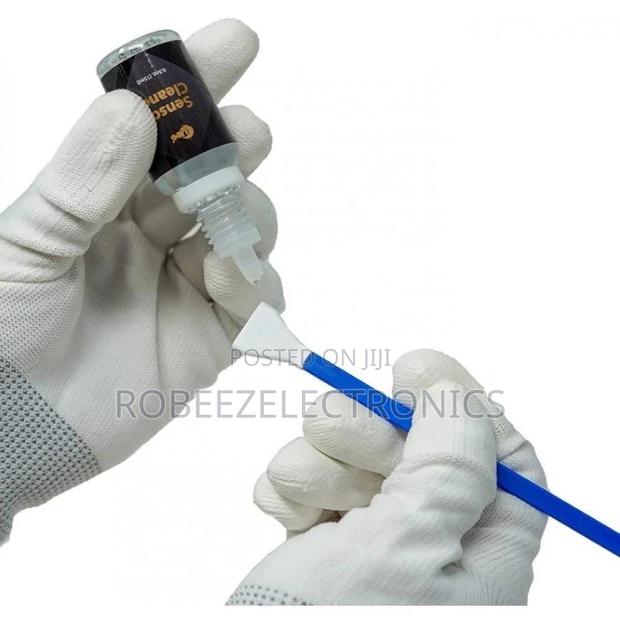
Includes 15ml Cleaning agent
16mm cleaning swabs
Super softand flexible swabs to spread pressure evenly across the sensor
Follow these steps before you begin your sensor cleaning process:
Ensure that your camera’s battery is 100% fully charged.
Make sure to lock up the mirror for a reflex camera before cleaning the sensor.
You can use an air blower to remove loose dust from the sensor first.
Sensor Cleaning Steps:
Open one end of the swab package and remove the swab.
Dispense 1-2 drop(s) of the cleaning agent to the edge of the swab.
Swipe from one end of the sensor to the other end in a single constant motion. Turn the swab around and swipe back.
Do not re-use the swaps after cleaning.
Specifications
- Condition
- Not Specified
- Availability
- In Stock
Customer Reviews
Please log in to submit a review.
Log inLoading reviews...