Number Plate Light
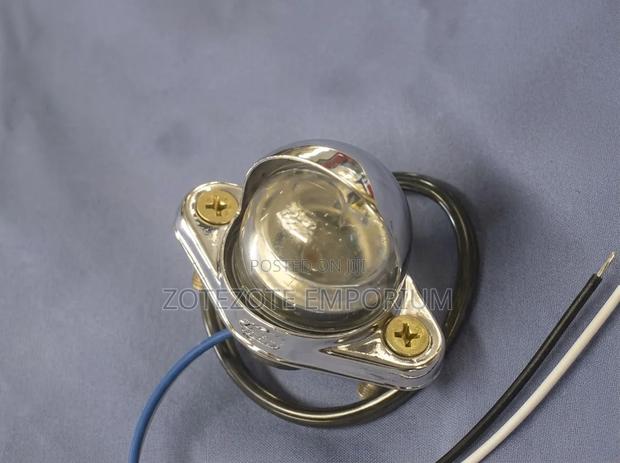
2 photos
Product Description
Locate the housing: Find the plastic light cover directly above or to the sides of your rear number plate.
Remove the cover: Use a Phillips-head screwdriver to unscrew the cover, or a small flathead screwdriver to carefully pry the plastic clip loose depending on your car model.
Swap the bulb: Pull the old bulb straight out of its socket without twisting. Push the new T10/W5W bulb firmly into place.
Test and secure: Turn on your vehicle's headlights to confirm the new bulb lights up before screwing or snapping the housing back into position
Specifications
- Condition
- Not Specified
- Availability
- In Stock
Customer Reviews
Please log in to submit a review.
Log inLoading reviews...