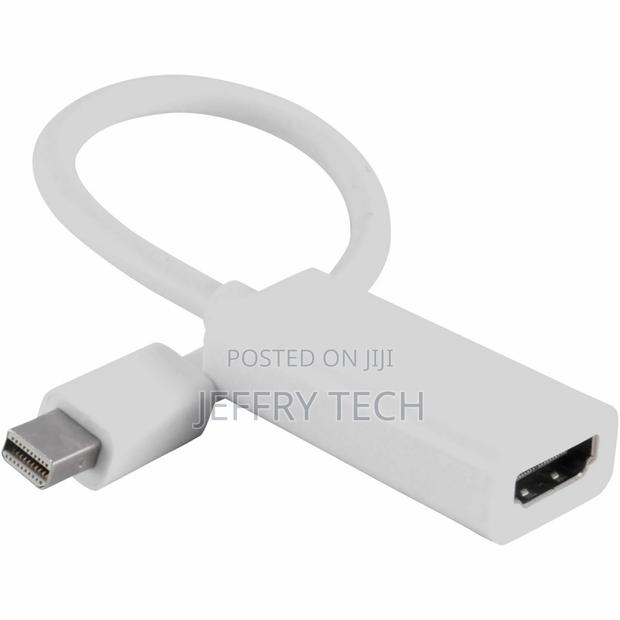
Mini Displayport DP Thunderbolt to HDMI Adapter for Macbook
2 photos
Product Description
Thunderbolt Mini Display Port DP to HDMI Adapter Cable for Apple Macbook
Viewing your MacBook on your HDTV doesn't get any easier. Simply, plug the Mini DisplayPort end into your Mac, and connect the HDMI end to an HDMI (Type-A) cable, then plug the cable into your HDMI input jack. Your photos, your videos, your presentations, your games - view them all in HD on the big screen. The Mini DisplayPort adapter will need to be used with an HDMI cable (sold separately)
Specifications
- Condition
- Not Specified
- Availability
- In Stock
Customer Reviews
Please log in to submit a review.
Log inLoading reviews...