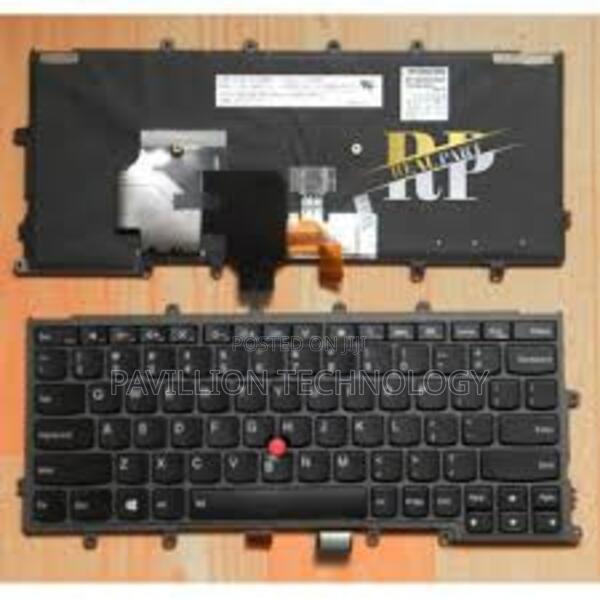
Lenovo X270 Backlit Keyboard
3 photos
Product Description
Lenovo x270 backlit keyboard
The Lenovo ThinkPad X270 does come with an optional backlit keyboard. If your X270 model is equipped with this feature, you can easily toggle the backlight on and off.
To control the backlit keyboard on the ThinkPad X270:
To turn on/off the backlight:
Press the F6 key (this key usually has a keyboard icon with a light) to toggle the backlight. If your laptop has backlit functionality, this will turn it on or off.
Adjust the brightness:
You can typically adjust the brightness of the backlit keyboard by pressing Fn + F6 to decrease or increase the backlight brightness (if your model supports brightness adjustment).
If you don’t see the backlight responding to these key presses, it could be that:
Specifications
- Category
- Mechanical Gaming Keyboards
- Condition
- Not Specified
- Availability
- In Stock
Customer Reviews
Please log in to submit a review.
Log inLoading reviews...