JBL TWS4 Touch 5.0 Binaural Wireless Bluetooth Headset
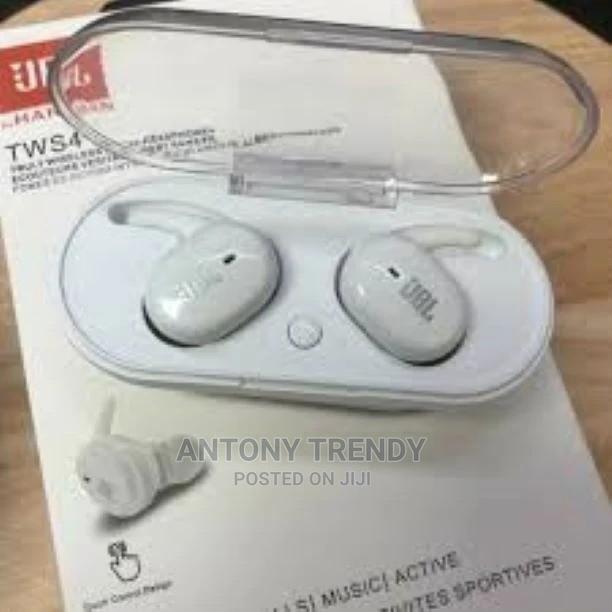
2 photos
Product Description
. to ear (tws) connection: press and hold the touch keys of two earphones for about 3 seconds at the same time, and find one of the side lights every few seconds.
2. search for the tws4 bluetooth device while bluetooth is turned on.
3. after searching for the bluetooth headset device, pair the connection.
the kill is the pairing completed.
the headset can't be powered at once, don't turn the volume to the maximum, otherwise it will easily damage the headset.
Specifications
- Category
- JBL Headphones
- Condition
- Not Specified
- Availability
- In Stock
Customer Reviews
Please log in to submit a review.
Log inLoading reviews...