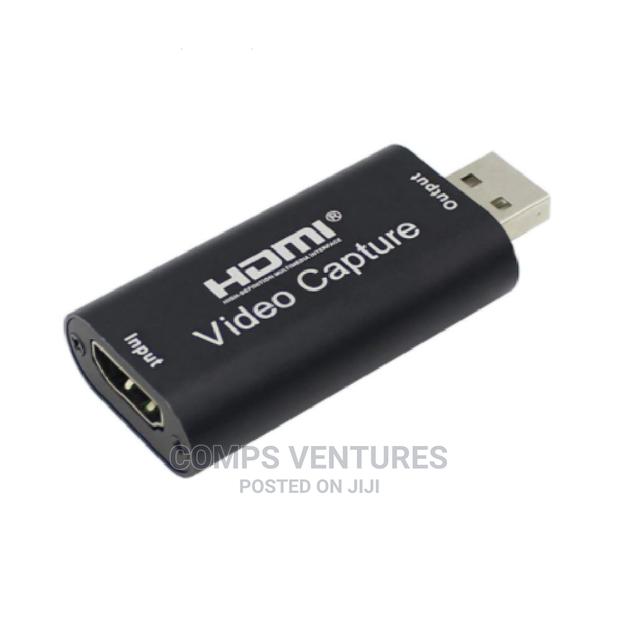
HDMI to USB
4 photos
Product Description
Description
Connection and Operation
1: Connect the UHD signal source to the HDMI input of the video capture with one HDMI cable.
2: Connect the computer to the usb port of the video capture with usb cable.
3: Operation steps for USB video capture(OBS): Open the software?Choose sources of Video capture Device?Set the size of image?Choose Studio Mode(double window) ?Choose Start Recording.
Operation Example as below:
1. Add new sources, choose Video Capture Device
2. Set the size of the image
3. Choose Studio Mode(double window)
4. Click Start Recording
Specification:
Material: Plastic + electronic components
Size: 6.4cmx2.8cmx1.3cm/2.52inches*1.1inches*0.51inches
HDMI resolution: Max input can be 3840?2160
Support video format: 8/10/12bit Deep color
Video output format: YUV, JPEG
Run memory: 4G RAM
Practical: The video capture can capture both HDMI video and HDMI audio, sending audio and video signals to computers and smart phones
Specifications
- Category
- HDMI Video Capture Cards
- Condition
- Not Specified
- Availability
- In Stock
Customer Reviews
Please log in to submit a review.
Log inLoading reviews...