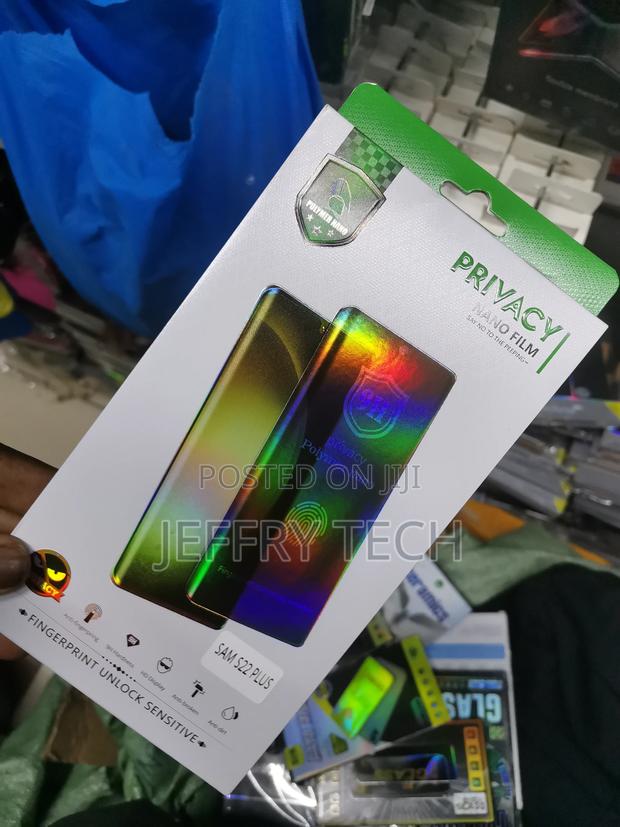
Galaxy S22 Plus Privacy Screen Protector and Camera Lens Pro
3 photos
Product Description
[Fingerprint Unlock Anti-Spy Galaxy S22 Plus Tempered Glass Saver] Get privacy/anti-scratch and fingerprint unlock at the same time. Activate the Touch Sensitivity first from the Setting App by following the path: Setting -> Display -> Touch Sensitivity. We recommend that you use the same finger to add and save "2" fingerprints ID "after" applying the Samsung Galaxy S22 Plus Anti-Spy privacy screen protector. Press harder and wait "2" seconds for every single press.
[Privacy Protection S22 Plus] The privacy screen protector with Microlourver Optical Technology, the screen is only visible to the person directly in front of the screen, keeps your personal, private and sensitive information safe from strangers. This allows you to use your phone more freely, it's a nice choice for buses, elevators, subways or other public places.
Specifications
- Category
- Laptop Privacy Filters
- Condition
- Not Specified
- Availability
- In Stock
Customer Reviews
Please log in to submit a review.
Log inLoading reviews...