2.4g Wireless Air Mouse and Keyboard for Android Box Smarttv
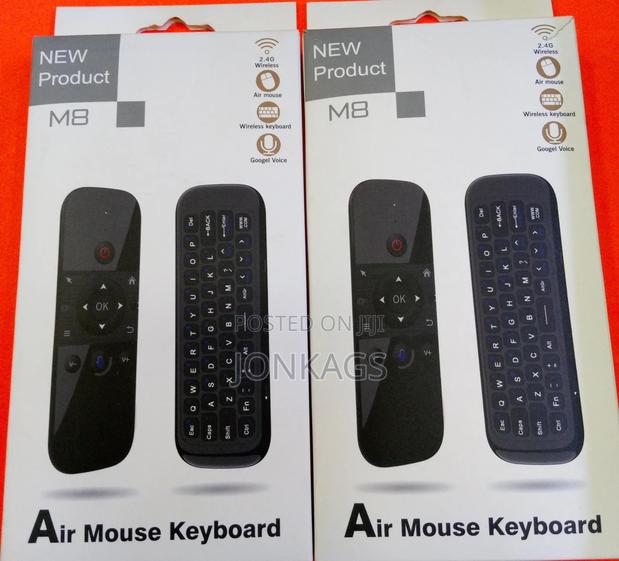
Product Description
USB pairing mode: Insert USB into the device, press OK key and Home key, and the LED will flash quickly.
When the LED stops flashing, the pairing is successful.
3. Sleep and wake-up: When the air mouse has no operation within 15 seconds, it will enter the sleep mode; After the air mouse enters hibernation, press any key to wake up the air mouse and enter the working state.
2. Turn over prohibition function: In order to prevent the wrong operation of keys, the air mouse is only allowed to move upward during normal use. The function of one side of the key is downward, and the function of one side of the key is prohibited to output.
Specifications
- Category
- Wireless Computer Peripherals
- Condition
- Not Specified
- Availability
- In Stock
Customer Reviews
Please log in to submit a review.
Log inLoading reviews...