Midy Camera Lens Protector for a Tecno Pop 7 Smart 7, or Spark Go 2023
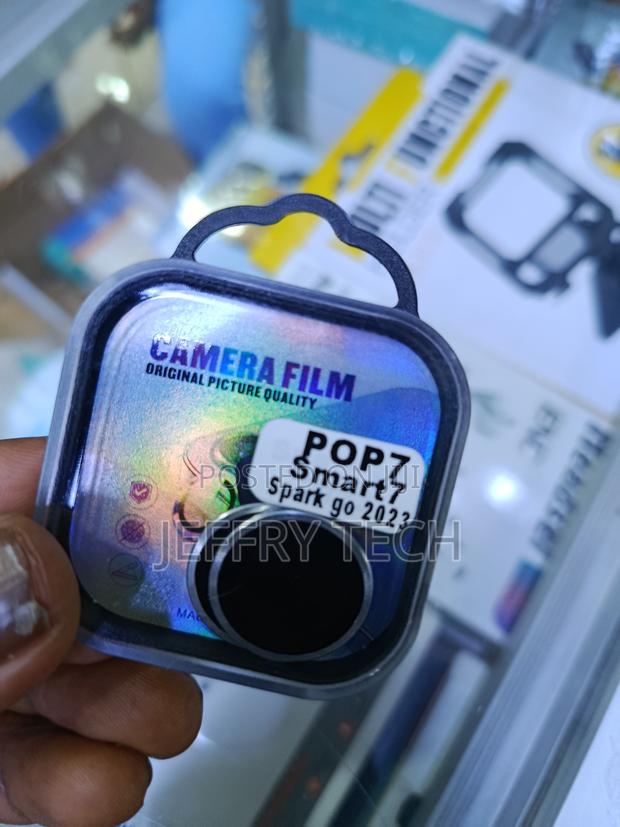
3 photos
Product Description
Clean the Lens: Use a microfiber cloth (and an alcohol wipe if included) to remove all fingerprints and dust from your phone's camera lenses.
Peel the Film: Carefully remove the protective film from the back of the lens protector.
Align and Press: Line it up exactly with your phone's camera lens and press down firmly.
Remove Bubbles: If you see any air bubbles, press them out toward the edges with your finger.
Specifications
- Condition
- Not Specified
- Availability
- In Stock
Customer Reviews
Please log in to submit a review.
Log inLoading reviews...