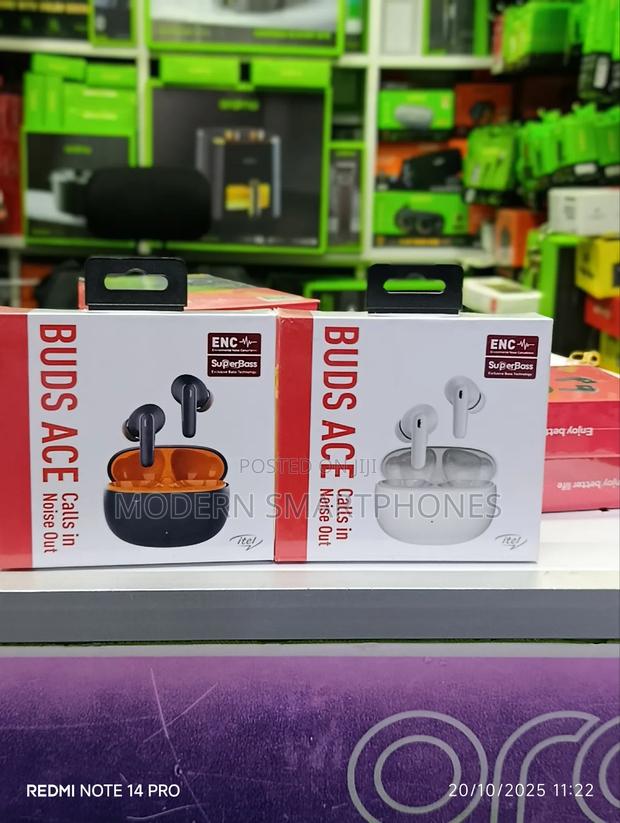
Itel Buds Ace Bluetooth Wireless Earbuds
2 photos
Product Description
Itel Buds Ace Bluetooth Wireless Earbuds
Remove the left and right (LR) headphones from the charging case. The ear will automatically open and connect with each other .
2. Turn on the phone Bluetooth search and click on the main headset name to pair.3. When used again, they will automatically connect to your Bluetooth device Key operation
3.Rejecting a call: Long-touch headset touch area in an incoming call; Up / Answer: Touch the headset once during an incoming call.
4.Switch songs: In the music mode, touch the left earphone 2 times to switch the previous song; touch the right earphone 2 times to switch the next song; Music pause / play: touch the headset once in music .
4.Volume +/-: In music mode, touch the left earphone three times to decrease the volume; touch the left earphone right to increase the volume; Wake
Specifications
- Condition
- Not Specified
- Availability
- In Stock
Customer Reviews
Please log in to submit a review.
Log inLoading reviews...